

Posted On: June 17, 2026 by First Community Bank and Trust in: Community Banking Community News Electronic Banking General
Most people reuse the same handful of passwords across dozens of accounts. It’s easy to fall into the habit, but it also happens to be one of the most dangerous habits in online security today.
Think about how many online accounts you have: email, online banking, social media, shopping sites, streaming services, medical portals, utility providers, and more. Recent studies suggest the average person manages between 75 and 110 online accounts.
How Unique are Your Passwords
Now consider this: how many truly unique passwords are you using across all of them? For most people, the answer is between three and ten. And that’s exactly where the risk builds, one reused password at a time. We naturally gravitate toward passwords we can remember, and reusing those feels like the only practical option when you are managing dozens of logins. Creating and tracking a unique password for every site can feel overwhelming, even unrealistic.
The problem is that data breaches happen constantly, often without people realizing it. A retailer you shopped at years ago, a streaming service you tried once, or an app you barely remember signing up for could all end up being exposed in a breach. If you reused the same password anywhere else, that same password may now be floating around in criminal databases.
From there, attackers don’t guess passwords manually. They use automated tools to take known email and password combinations and test them across major services like email accounts, banking platforms, online shopping sites, and other high-value targets. This tactic is called “credential stuffing” and it allows criminals to try thousands, or even millions, of login attempts in very little time.
Use a Password Manager
The most effective way to reduce this risk is to use a password manager. A password manager is a secure application that stores your passwords for easy, secure access by you. Password managers can even generate and automatically fill in strong, unique passwords for each of your accounts. Instead of trying to remember dozens of complex passwords, you only need to remember one: the master password to unlock your password manager itself.
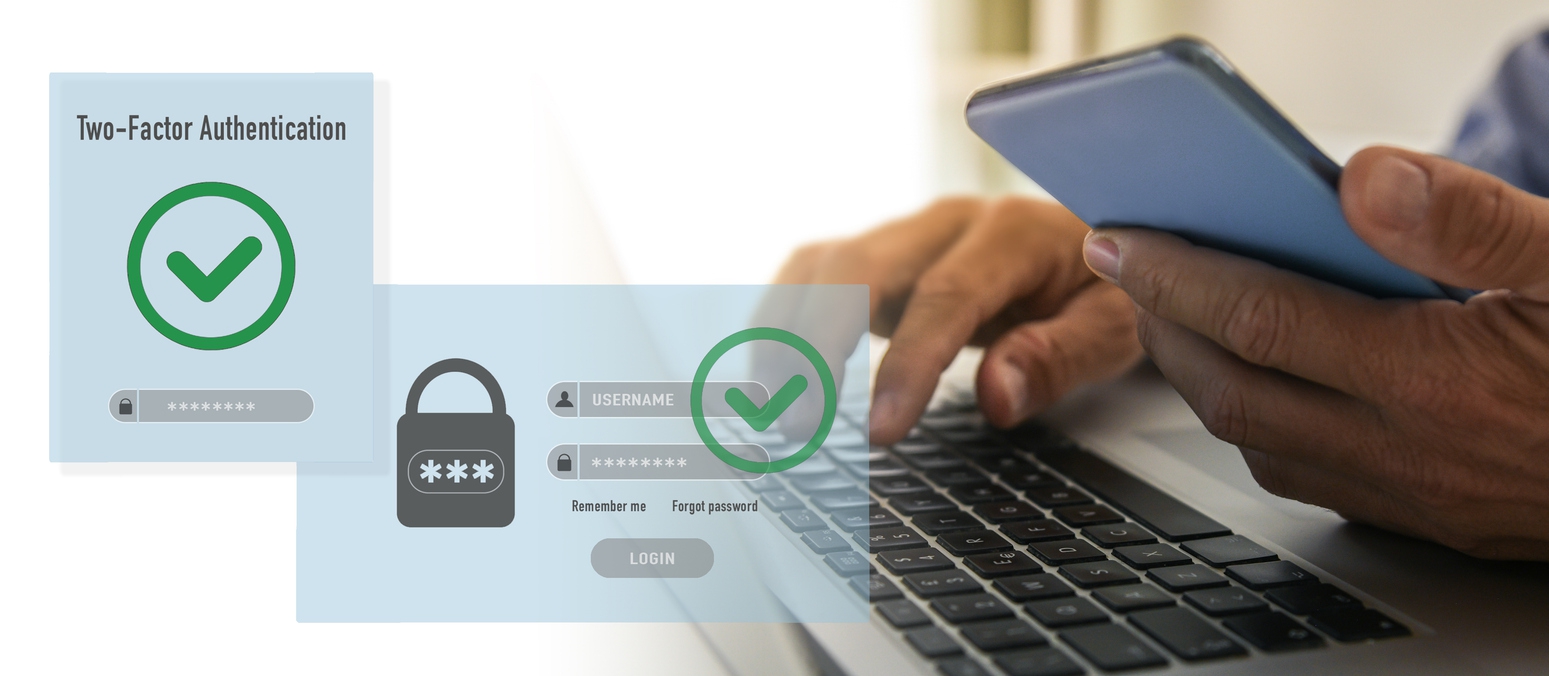
For added protection, it’s important to secure the password manager itself with multi-factor authentication (MFA). This might include a texted or app-based verification code sent to your email or by text, a biometric check on your phone like a fingerprint or facial recognition, or both. That extra step makes it much harder for anyone to access your accounts even if your master password is ever compromised.
Taking a few minutes to set up a password manager and turn on multi-factor authentication is one of the simplest upgrades you can make to your digital security. It doesn’t require constant effort and it significantly reduces your risk across nearly every online account you use.
Security today is less about memorizing more passwords and more about building smarter systems that protect you and your accounts.
About First Community Bank and Trust
First Community Bank and Trust is a privately-owned bank. Established in 1916 First Community Bank and Trust has been serving Beecher, IL, Peotone, IL and the surrounding communities for over 110 years. Our commitment to providing the best banking products and services is matched only by our outstanding customer service. We offer traditional community banking services, including mortgage, consumer, and commercial lending, as well as state of the art electronic banking services.
Press Contact:
Steve Koehn, Senior Vice President
First Community Bank and Trust
(708) 946-2246
###
0 comments